

Features and preview
Everything a professional driver needs on the road, with the visual gallery just below.

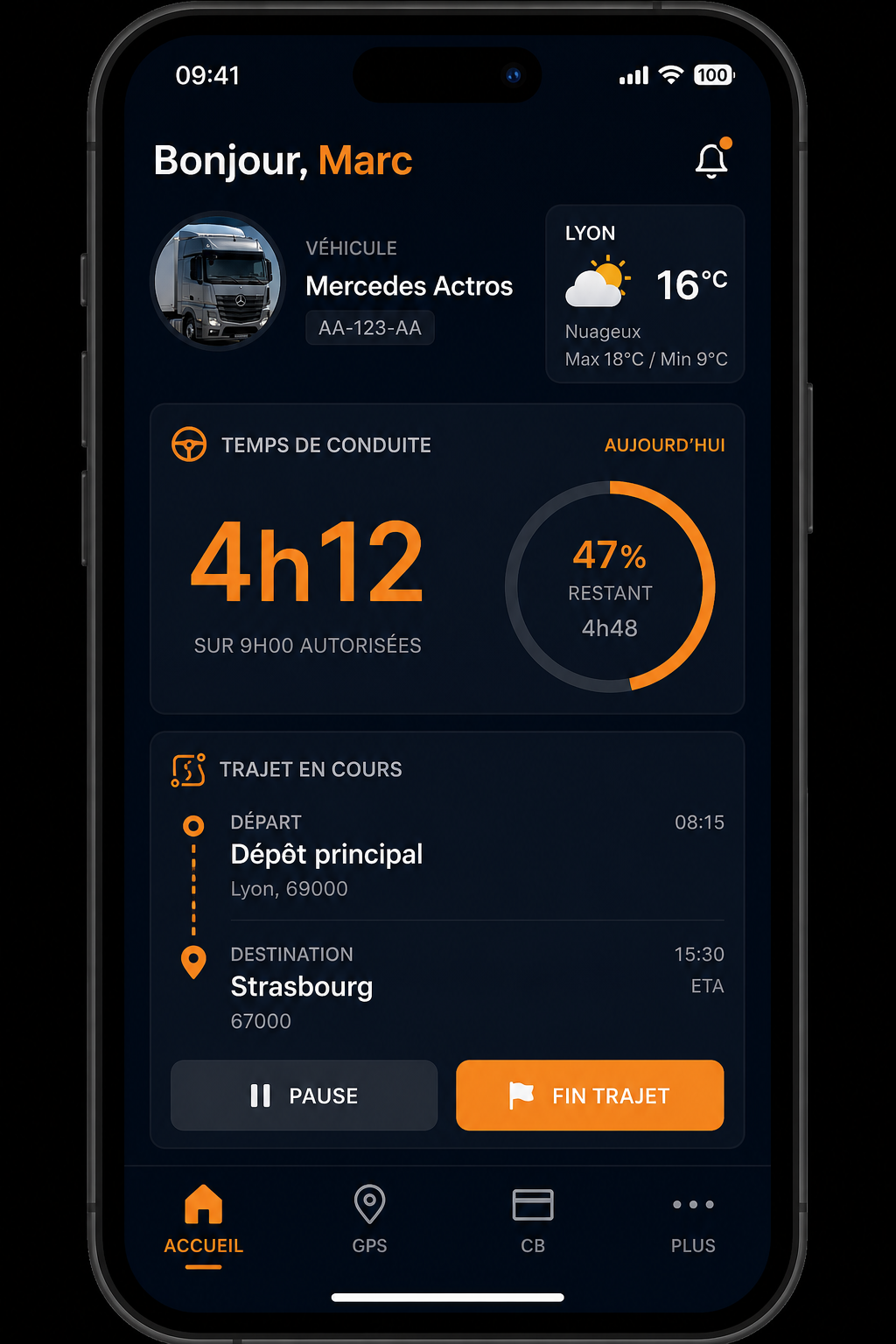
Dashboard and RSE
Overview of your day: driving time, current trip, weather and shortcuts to essential tools.
- Driver card import (C1B)
- Pause alerts and legal limits
- Android home screen widget
- Export and trip history
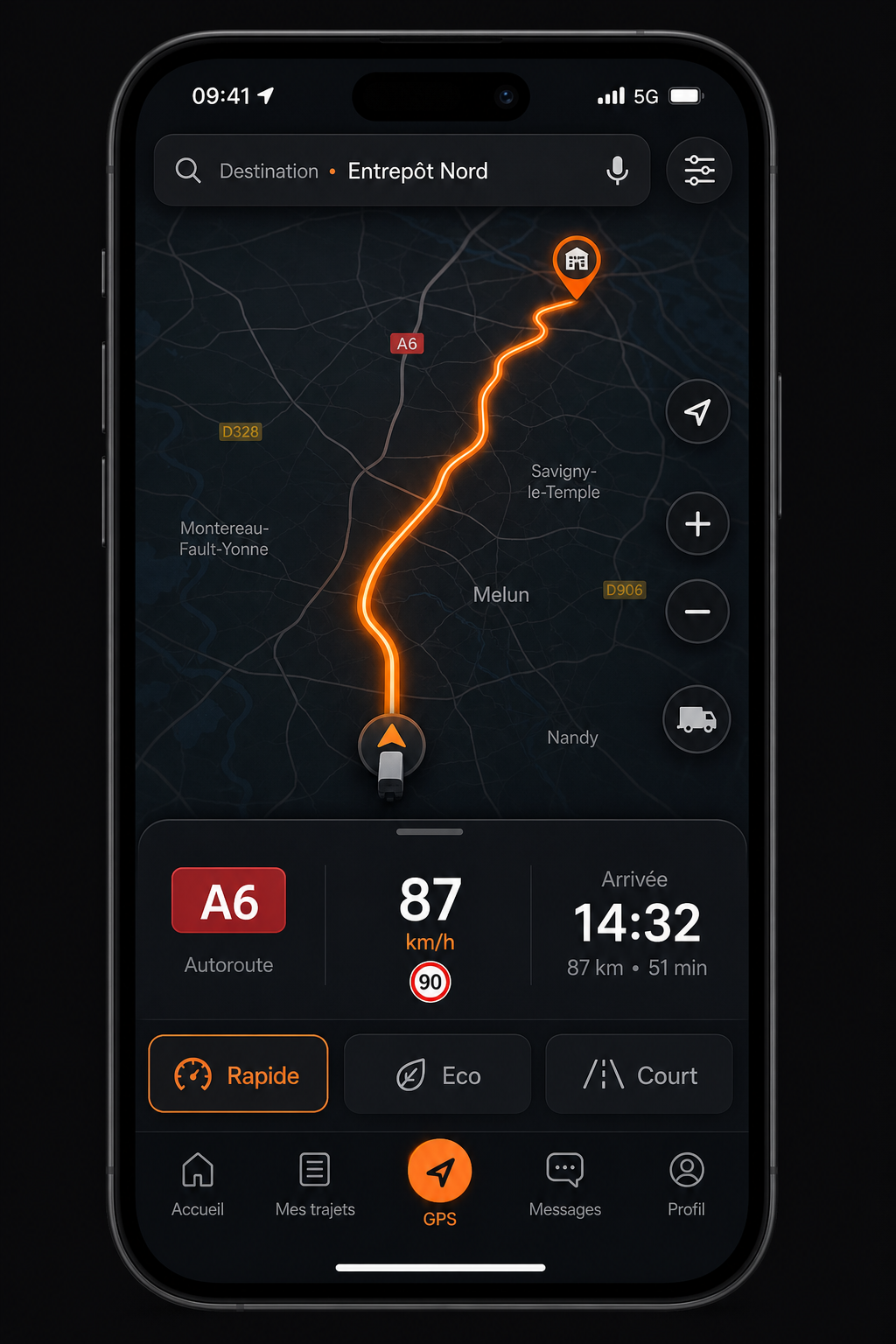
Heavy goods vehicle GPS
Navigation and planning adapted to the size of your vehicle, with several routes and traffic information.
- Truck profiles (height, weight, axles, ADR)
- 3 routes compared (time, distance, tolls)
- PL limitations and community radars
- Unified search for road addresses and POIs
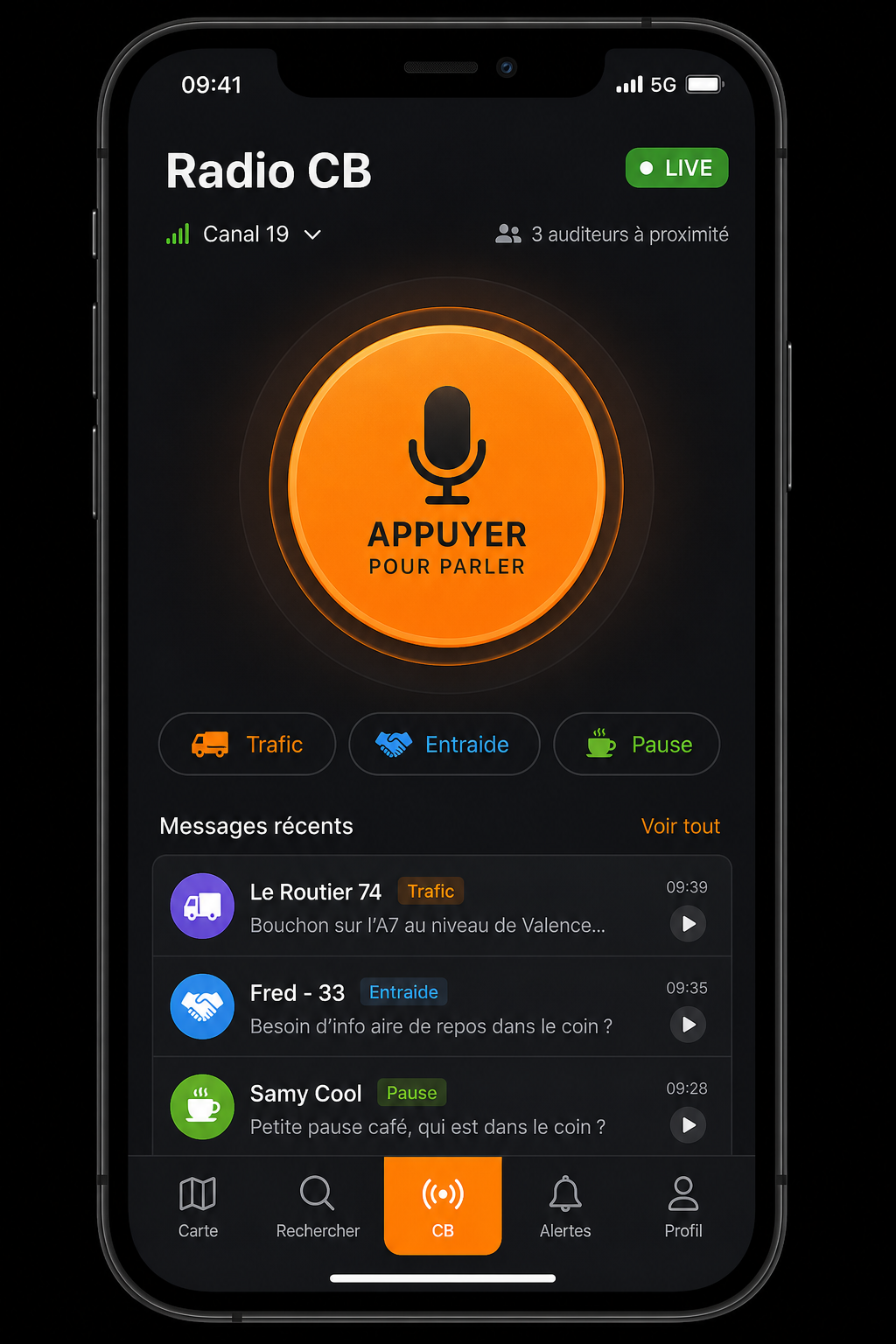
Community CB radio
Communicate with nearby colleagues for traffic, mutual assistance or breaks — without leaving the app.
- Low latency real-time audio (LiveKit)
- Thematic channels
- Voice data not stored
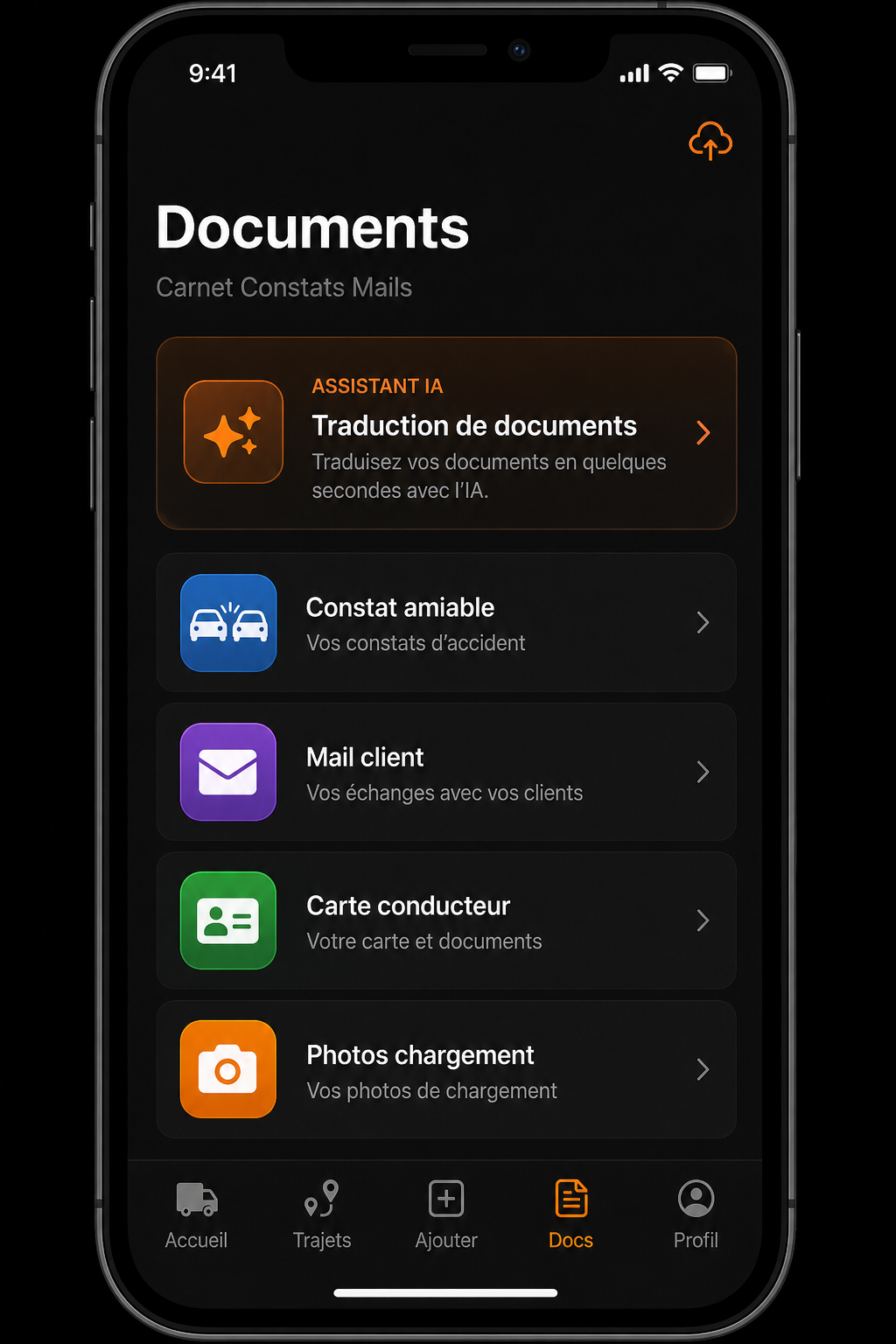
Documents and AI
Manage your on-board documents and instantly translate reports and emails into European languages.
- Amicable findings and sealed photos
- Contextual transport business translation
- Integrated email address book
The app in pictures
Full gallery of the main screens — same content as on the home page, on a dedicated page for clearer navigation.
After the preview, download the app or read the detailed feature pages. Screens reflect the latest Android / web portal build.
The application in pictures
Representative screenshots of the main screens — dashboard, truck GPS, CB radio and documents.

Dashboard
RSE monitoring, current journey and business shortcuts

Heavy goods vehicle GPS
HGV routes, limitations and cockpit navigation

CB Radio
Real-time communication with nearby drivers

Documents and AI
Findings, emails and multilingual translation
Ready to install?
Google Play, web portal or production APK: the Download page lists every option.